FDE / E-COMMERCE
One set of product information. An ongoing stream of product visuals.
Analyze benefits and composition first, preserving core product elements. Then vary settings and layouts to match the product's style, and feed selection reasoning back into the rules.
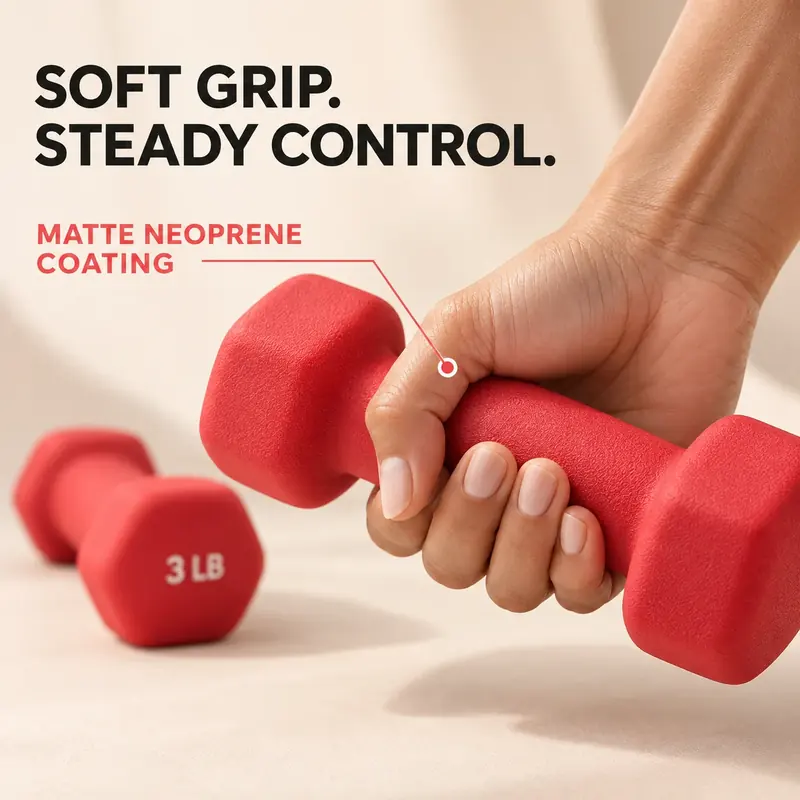 Product visual case
 Amazon and Taobao product images: three presentations of the same product
In this case, image production previously shared by a graphic artist, designer and operations staff member was completed by one operations staff member using AI workflows. Rules and approved master templates were retained for product-image variations and detail images.
Sports and outdoors: give every image a clear purpose
Lock product appearance and specifications, plan each image's conversion task, generate from master templates and check consistency. Retain generation rules and review standards so operations staff can produce the next image set.
Home product image sets: answer “Why choose us?”
Build generation workflows by image type, from hero posters and benefit explanations to detail close-ups and multiple settings. When generating scenes from white-background images, lock the product itself and preserve its facts and appearance.
Home settings: reuse assets and templates across categories
Input reference images, lock product appearance and generate different everyday settings. Build product asset and scene-template libraries, validate benefit images first, then expand into hero, dimension, installation and lifestyle images.